A control handle, access panel and electrical module each have a visible outline, but the outline is only part of their identification. Position, mounting arrangement and connections give the component a more useful context. EexcavaStart field records show these different levels through separate cab, control and board examples, without presenting them as one equipment configuration.
A consistent position reference prevents a reversed comparison
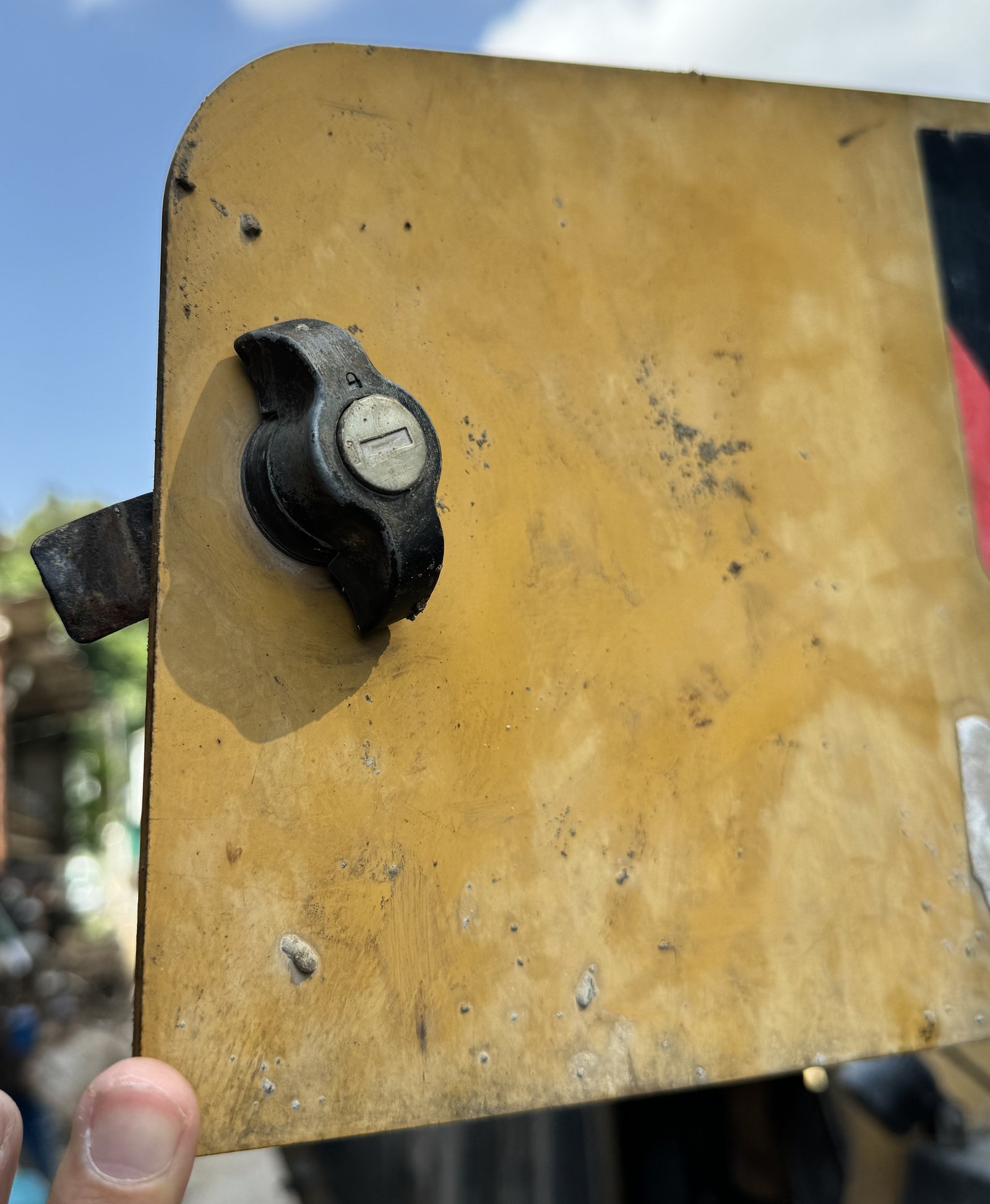
The inside and outside of a panel can look like opposite arrangements when the viewing reference changes. Opening direction, hinges, latches and accessible edges are more useful when their relationship to the equipment remains clear.
A panel record can distinguish the complete outline from a folded edge, grille or mounting-hole pattern. Curvature matters to the description as well as overall length and width. A tape following a curved surface is not, by itself, a manufacturing drawing.
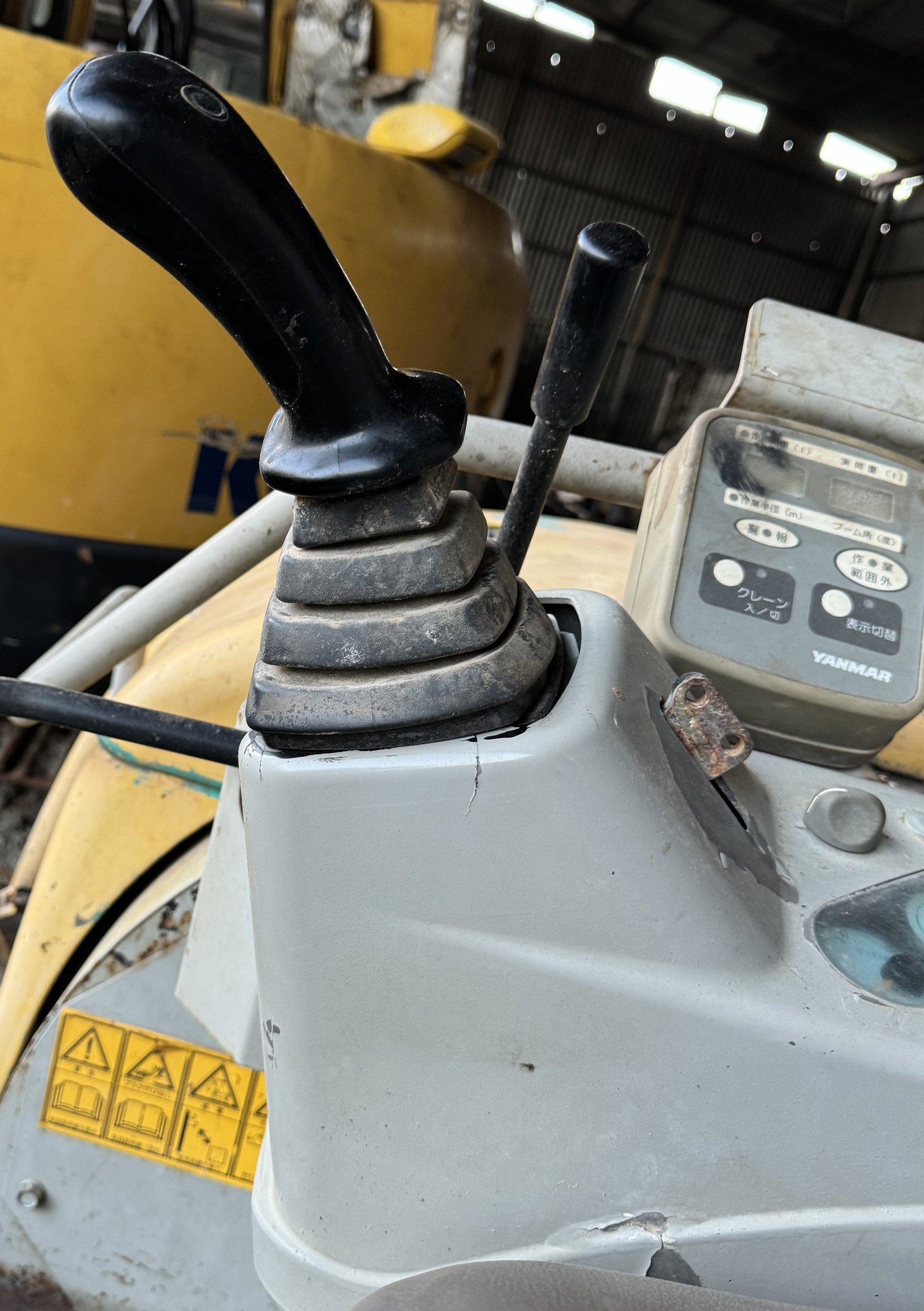
Controls have several visible layers
The operator-area view places joysticks, pedals, the seat and nearby covers in context. A handle, protective boot, base and support bracket are separate layers of the same visible arrangement rather than interchangeable names for one part.
The control example preserves the relationship between these visible features. It does not assign a function from the shape of a button or the styling of a handle. The operator’s left and right also should not silently become the view from outside a door.
A broad stepped outline
The close detail shows broad, rounded rectangular folds stacked above a wider base. Light catches the upper faces, while the spaces between them stay darker. Fine surface lines and dust remain visible. At the bottom, the outline meets a pale grey surround, with a dark gap showing along part of the edge. The nearby seat surface gives the folded section a setting without needing the whole cabin in view.
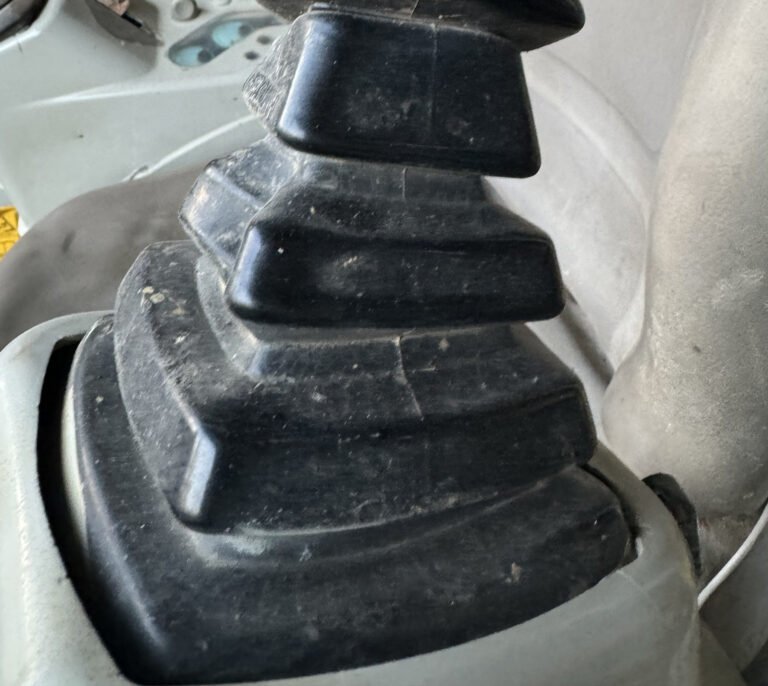
The eye can follow two different boundaries here. One belongs to the stepped black cover; the other belongs to the opening in the grey panel. They sit close together, but they are not the same outline.
Two stems on one plate
In a separate floor-area record, two long rods pass through individual boots with more closely spaced ridges. Each folded outline narrows toward its rod. Both sit within a rectangular metal plate, which is itself bordered by the darker surrounding panel.

Keep module housings and board records distinct
A module’s external housing, mounting points, label and connector arrangement provide different references from an isolated board image. Connector orientation can help organise documented views, but a similar connector does not establish that two modules are the same.
Where an internal photograph already exists, it should be associated with a housing only when that relationship is documented. Board colour, component characters and visible marks are observations, not a firmware version, equipment-compatibility statement or confirmed fault. An unlinked internal view remains a separate record.
Use the visible differences to ask a better question
A useful enquiry can state which position is involved, which physical item is being discussed and which mounting or connection feature needs comparison. Original references remain important, particularly when an exterior resemblance hides uncertainty.
The panel, control and board records in this collection are independent examples. They show real field detail without claiming a completed function test, protective certification or a repair outcome. Their value is a more precise description of the component under discussion.
Parts enquiry FAQ
Answers from EexcavaStart for discussing identification records.
Which details help describe a cab panel?
Identify the viewing side and position, then retain opening direction, hinges, latches, edges and mounting references. Distinguish overall dimensions from curvature and hole spacing.
How should left and right be understood in a control record?
Use one stated viewing reference, such as the operator area. Keep the handle, boot, base and supporting structure associated with their visible positions.
What should a module enquiry keep together?
Associate the exterior housing, mounting points, connector arrangement and available original label reference. Include an existing internal view only when its relationship to that housing is documented.
Do matching button shapes mean matching functions?
No. Function needs reliable supporting information; appearance records position and visible shape.
Does matching board colour establish a module model?
No. The housing, label, connections and any internal-to-external relationship need documented references.
Can a visible mark on a board be called a confirmed fault?
The mark can be described by appearance and position. A diagnosis requires separate evidence.
For a parts enquiry, share the equipment information and available original-part references through our request-a-quote page. You can also use the contact page.